
A rhythm for every friend.
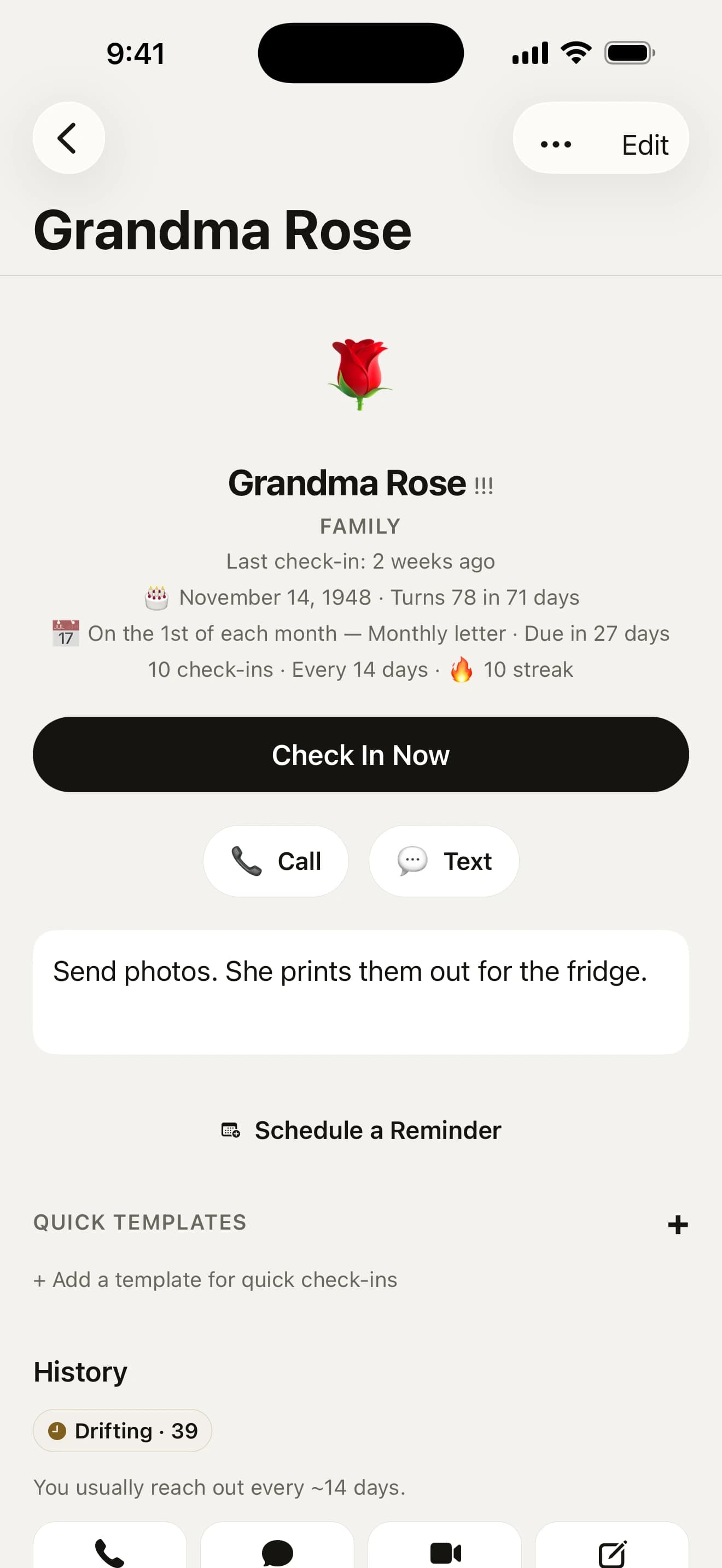
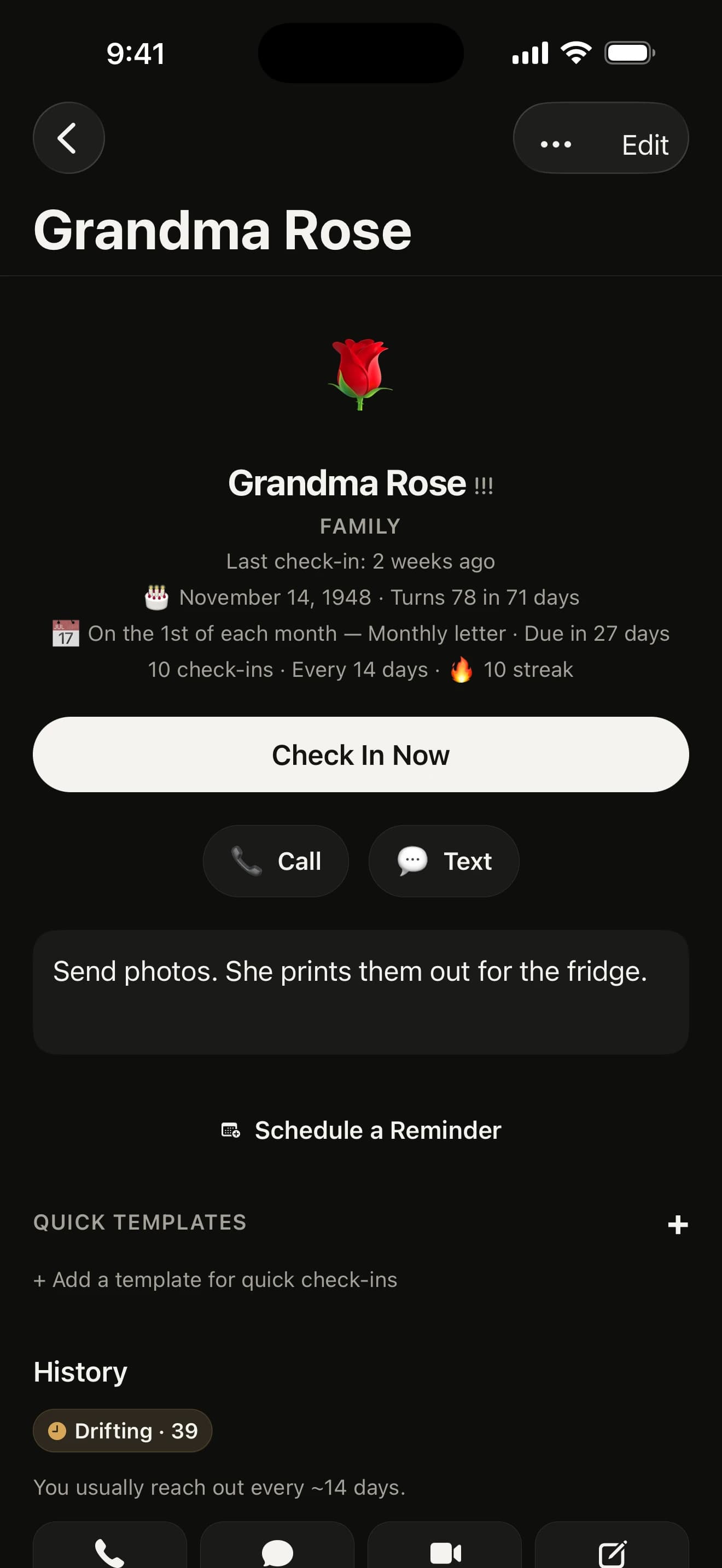
Not everyone needs the same attention. Mum might be weekly and the uni crew every three months. Pick how often for each person, and Howdy Mate! keeps count from your last catch-up.

At a glance
- Any scheduleEvery week to once a year, or a count of your own.
- RitualsStanding dates like “First Thursday, pub”.
- No surprisesSee exactly when the next nudge lands before you save.
- Groups tooA get-together rhythm for the whole crew.
How often should I catch up with each friend?
As often as feels right for that friendship. You can pick:
- every week, two weeks or month
- every two, three or six months, or once a year
- your own count of days, weeks or months, like every three weeks
- certain weekdays, or a set date each month
Not sure? Start generous. Our guide has a rule of thumb, and you can change it any time.
Changing a rhythm
Tap the rhythm on a mate’s page. One sheet holds how often and what time of day: step the number up or down, switch between days, weeks and months, and pick when their nudge arrives.
As you go, a line underneath says when the next nudge will land (“Next nudge Tue 3 Nov at 10:00, then every two weeks after you catch up”), so you see the result before you save. Undo is right there if you change your mind.
Rituals that happen on a set day

Some friendships run on a standing date, like “First Thursday, pub”. Give it a ritual and the reminder knows it’s a fixture, not a chore.
Forgot to log it? The morning after, a nudge asks “Pub with Ana yesterday?”. Press and hold it and tap Yes, Skipped this one or Add a Note, and it’s logged on the day it happened without opening the app.
A rhythm for the whole group

Filter Mates to a group and tap Get together to give it a rhythm of its own: every month, 2, 3 or 6 months. Once it’s been that long since you were all together, the group gets one row on Today and one nudge.
One swipe logs a get-together with everyone in it. Each mate keeps their own rhythm too, and the group catch-up counts for each of them.
See everyone around you

Pinch the Mates list and your friendships swing into rings: Close mates on the inside, Regular around them and Now and then on the outside. Whoever has gone longest without a catch-up sits near the top of their ring.
Anyone drifting gets an ochre ring and a clock, anyone it’s been a while with a rust one, so you can see where your attention has slipped at a glance. Spread two fingers to go back to the list.
When a rhythm doesn’t fit
Rhythms are a guess, and the app helps you tune them:
- catch up far more or less often than you planned, and a mate’s page offers the rhythm that fits
- snooze someone three times in a row and it offers a slower one
- each January, a quick review helps you tidy the lot
Your questions, answered
What rhythms can I choose?
Every week, two weeks or month, every two, three or six months, or once a year. You can also set your own count of days, weeks or months, like every three weeks, or certain weekdays, a set date each month or a standing ritual like “First Thursday, pub”. Tap the rhythm on a mate’s page to change it, and a line underneath says when the next nudge will land.
Can the app suggest a better rhythm?
Yes. If you really catch up far more or less often than you planned, a mate’s page offers the rhythm that fits. Snooze someone three times in a row and it offers a slower one, with Undo. Each January a quick review helps you tidy the lot.
Can I set a rhythm for a group?
Yes. Filter the Mates tab to a group and tap Get together on its card to pick every month, 2 months, 3 months or 6 months. Once it has been that long since you were all logged together, the group gets its own row on Today and a nudge at your usual time. One swipe logs an in-person get-together with everyone in it. Each mate keeps their own rhythm too, and a group catch-up counts for each of them.
Can I see all my mates at once?
Yes. On the Mates tab, pinch the list or tap the circle button beside sort and filter. Close mates sit on the inner ring, Regular around them and Now and then on the outside, with whoever has gone longest without a catch-up near the top of each ring. Anyone drifting has a coloured ring and a clock, so colour is never the only clue. Tap a face to open their page.



Go on, say howdy.
Free on the App Store for iPhone. No account, no subscription, no catch.
On a computer? Point your iPhone’s camera here.