
A nudge, never a guilt trip.
When someone’s rhythm comes round, you get one kind reminder with their face on it and a hello ready to send. Nobody is ever “overdue”, because a friendship isn’t a bill.
At a glance
- Kind wordsIn touch, Drifting or Been a while. Never “overdue”.
- Your timingPick the time of day and the days nudges can come.
- Three voicesGentle, Mate or Straight to the point.
- Breaks allowedPause everything for a holiday, birthdays aside.
What does a nudge look like?
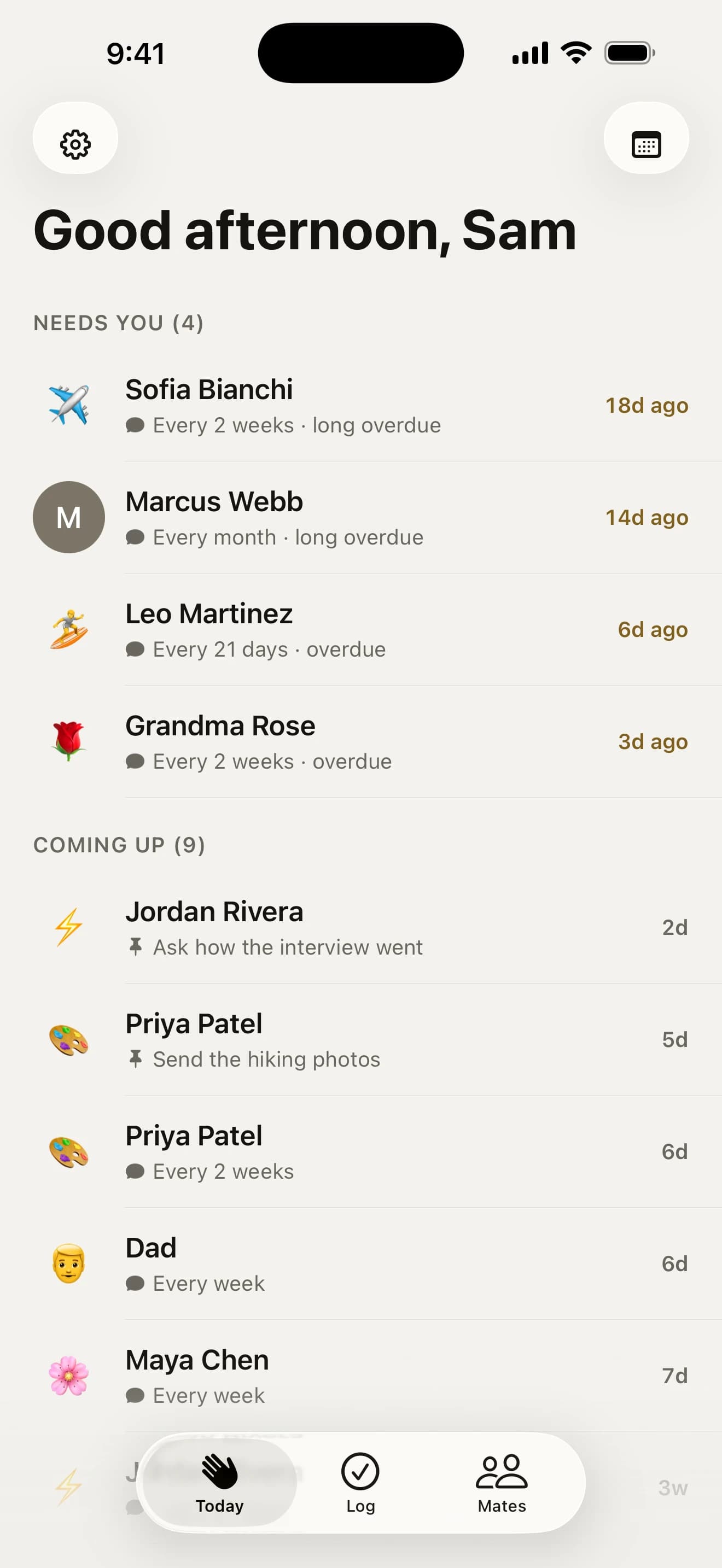
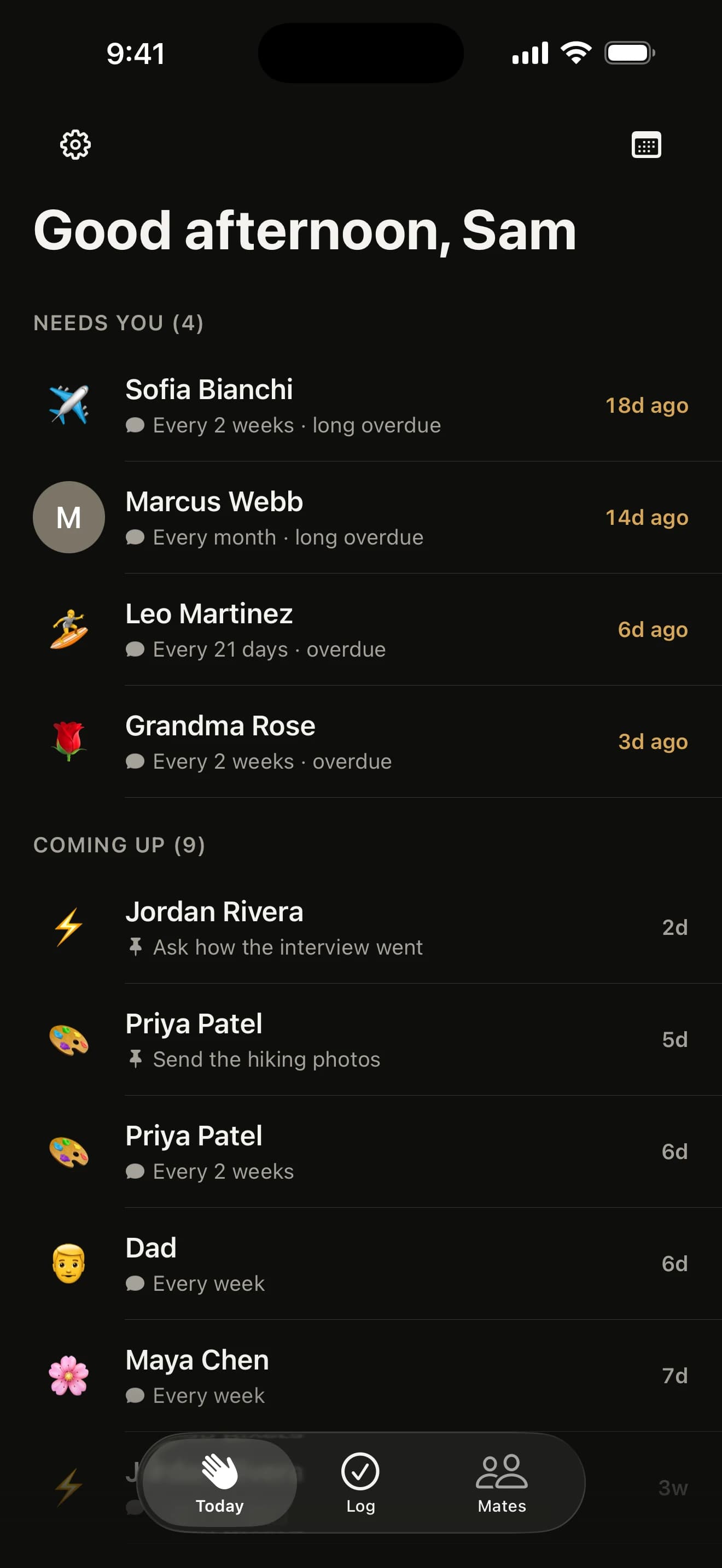
When someone’s due, they move up to “Needs you” on Today and you get one gentle reminder with their photo or sketch on it. It remembers what you did last (“in person at the pub, 6 weeks ago”), and its Text button opens their usual chat with a hello already written.
Each friendship reads In touch, Drifting or Been a while. Caught up already? Press and hold the reminder and tap Check In, and it’s logged without opening the app.
Pick how your reminders talk
Choose a voice under Reminder Voice in Settings. Every one is free, and none of them ever counts the days.
- Gentle: “Ana would love to hear from you”
- Mate: “Give Ana a bell, mate”
- Straight: “Message Ana today”
When do the nudges arrive?
Around the time you logged your first catch-up, rounded to the half hour, because that’s when you clearly had a minute. Pick your own time in Settings and it stays put.
- Per mate: a workmate at lunchtime, Mum in the evening
- Nudge days: skip Mondays, or weekdays only
- Test it: tap the summary at the top of Settings and a nudge lands five seconds later, so you can see exactly how it looks
Birthdays and plans still arrive on the day, whatever you pick.
Snooze, pause or slow it down
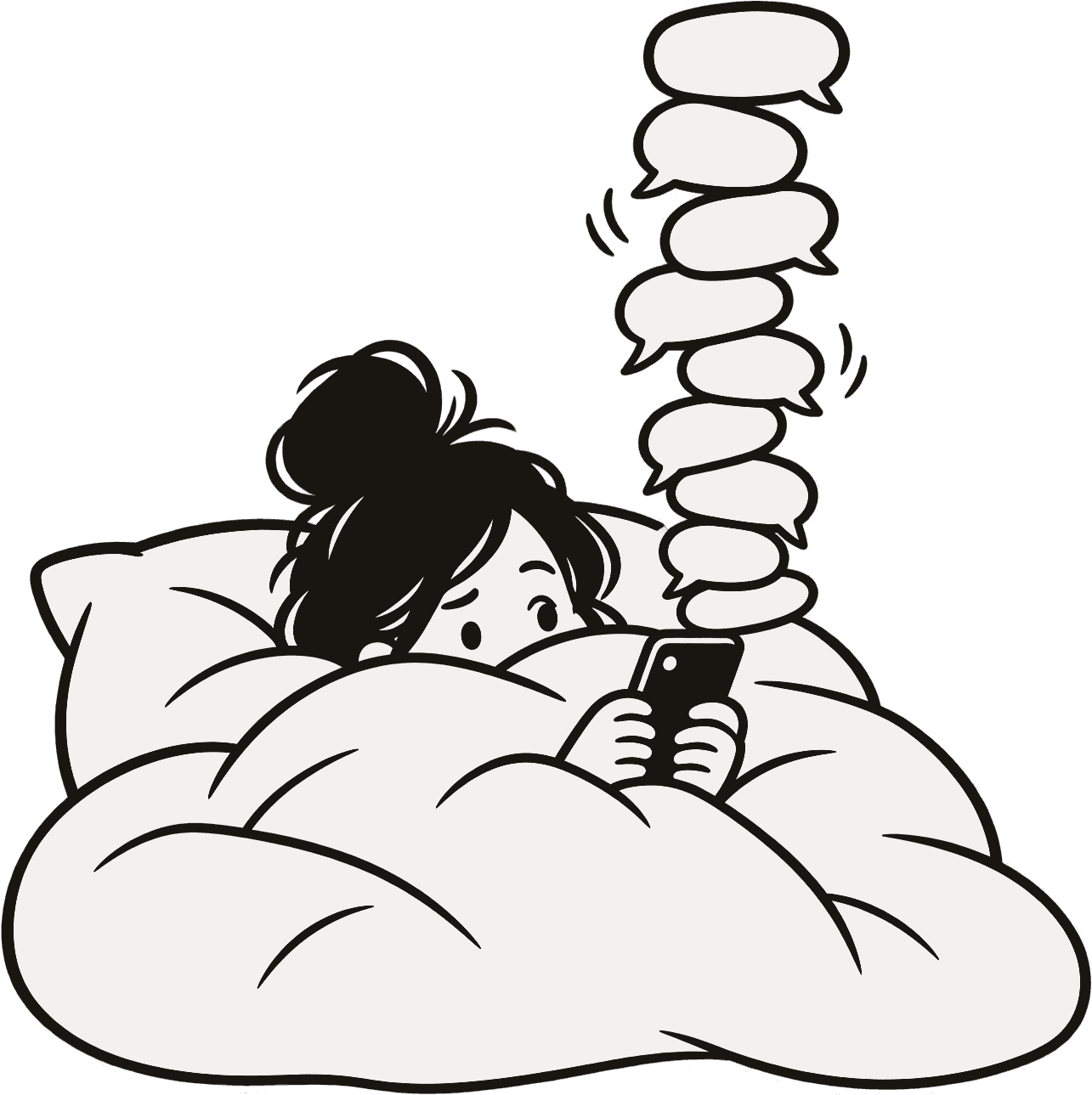
- Snooze anyone for two hours, until this evening, tomorrow, the weekend, next week or a date you pick
- Take a break from every nudge for a week, two weeks, until the new year or a date you choose
- One Mate a Day swaps the lot for a single suggestion each day
- A Focus filter keeps nudges quiet at work
Back from a while away? Today offers to spread everyone out over two weeks, keeping your high priority mates first.
Reminders, wherever you look
The app icon and the Today tab carry the same number as “Needs you”, so a glance at your Home Screen says how many mates are waiting. Turn it off in Settings if you’d rather not see it.
Live in a to-do app? Turn on “Also put nudges in Reminders” and a Howdy Mate! list in Apple Reminders holds everyone due this week, on your Watch and your Mac too. Tick one off and it’s logged.
Your questions, answered
When do reminders arrive?
Around the time you first logged a catch-up. Nudges start at 10 am, and your very first check-in moves them to that time of day, to the nearest half hour and between 8 am and 9 pm, because that’s a time you had a minute for your mates. Pick your own time under Notifications in Settings whenever you like, and the app never moves it again.
Can different mates be nudged at different times?
Yes. Open a mate’s page, tap their rhythm, and under Nudge at pick Morning, Lunchtime, Evening or a time of your own. Their nudges arrive at that time and everyone else keeps your usual time from Settings. The time is your phone’s time, even for a mate who lives in another time zone.
Can I stop nudges on certain days?
Yes. Under Notifications in Settings, pick your Nudge Days, or choose Every day, Weekdays or Weekends. A nudge that falls on a day you skipped waits for your next nudge day, at the same time. Birthdays, important dates and plans still arrive on the day itself.
Can I snooze a nudge until tonight?
Yes. Hold the mate’s row on Today, tap Snooze and pick “In 2 hours” or “This evening” (7:30 pm, or tomorrow evening once it’s past 7). The nudge comes back at that exact time instead of the next morning. You can also snooze until tomorrow, the weekend, next week or a date you pick, and Wake brings anyone back early.
Can I pause reminders for a while?
Yes. In Settings, under Notifications, tap Take a break and pick a week, two weeks, until the new year or a date of your own. Every nudge stops until then, and birthdays still come through unless you turn that off. Today reads calm, with nobody overdue. On the morning you’re back, one notification says who would love to hear from you, and the usual nudges pick up by themselves.
Can I get one reminder a day instead of several?
Yes. Turn on One Mate a Day under Notifications in Settings and you get one suggestion a day instead of a reminder for everyone who’s due. High priority mates and whoever has waited longest come first, and everyone else gets their turn on the days after. Birthdays, friendiversaries and important dates still remind you as usual.
Can I change how reminders sound?
Yes. In Settings, then Notifications, under Reminder Voice, pick Gentle (“Ana would love to hear from you”), Mate, the Aussie one (“Give Ana a bell, mate”), or Straight (“Message Ana today”). The lines rotate so you rarely read the same one twice, and every voice is free.
Can my nudges go in Apple Reminders?
Yes. Turn on “Also put nudges in Reminders” under Notifications in Settings. A Howdy Mate! list in Reminders holds one reminder for each mate due in the next week, so they show on your Apple Watch, your Mac and in Siri. Tick one off and it’s logged as a check-in the next time you open the app, with Undo. The app only reads and writes its own list, never your others.
Can I hide the number on the app icon?
Yes. Turn off Show Count on App Icon under Notifications in Settings, which also hides the number on the Today tab. The number is how many things are under “Needs you” on Today: mates who are due, plus any birthday or important date that falls today.
Why am I not getting nudges?
Usually because iOS isn’t allowing notifications for Howdy Mate!, often after a “Don’t Allow” on the first day. Today then shows a “Nudges are off” card: tap Turn on and the app asks again, or opens iOS Settings if you said no before. Tap the summary at the top of Settings and a test nudge arrives five seconds later. Rather skip notifications altogether? The same card offers Use Reminders instead.

Go on, say howdy.
Free on the App Store for iPhone. No account, no subscription, no catch.
On a computer? Point your iPhone’s camera here.